Development Kits#
A development kit is a ready-to-use hardware platform that pairs an Intel processor with a carrier card and the I/O, sensor, and connectivity interfaces needed to prototype and validate robotics workloads. Each kit is documented with its setup steps, supported operating systems, and interface configuration so you can bring up the hardware and start development quickly.
Note
 For production grade systems, explore a catalog of systems offered by our partners.
The development kits below have been tested with the Robotics AI Suite. Select a picture to open its setup and configuration guide.
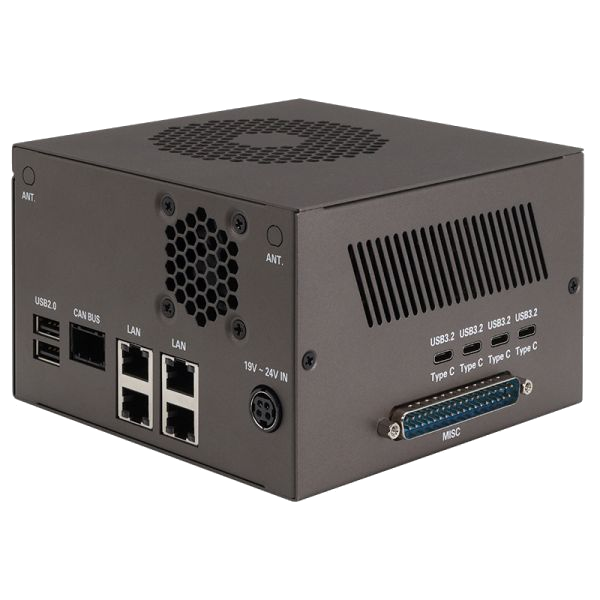
AAEON CEXD-INTRBL
Intel® Core™ Ultra Processors
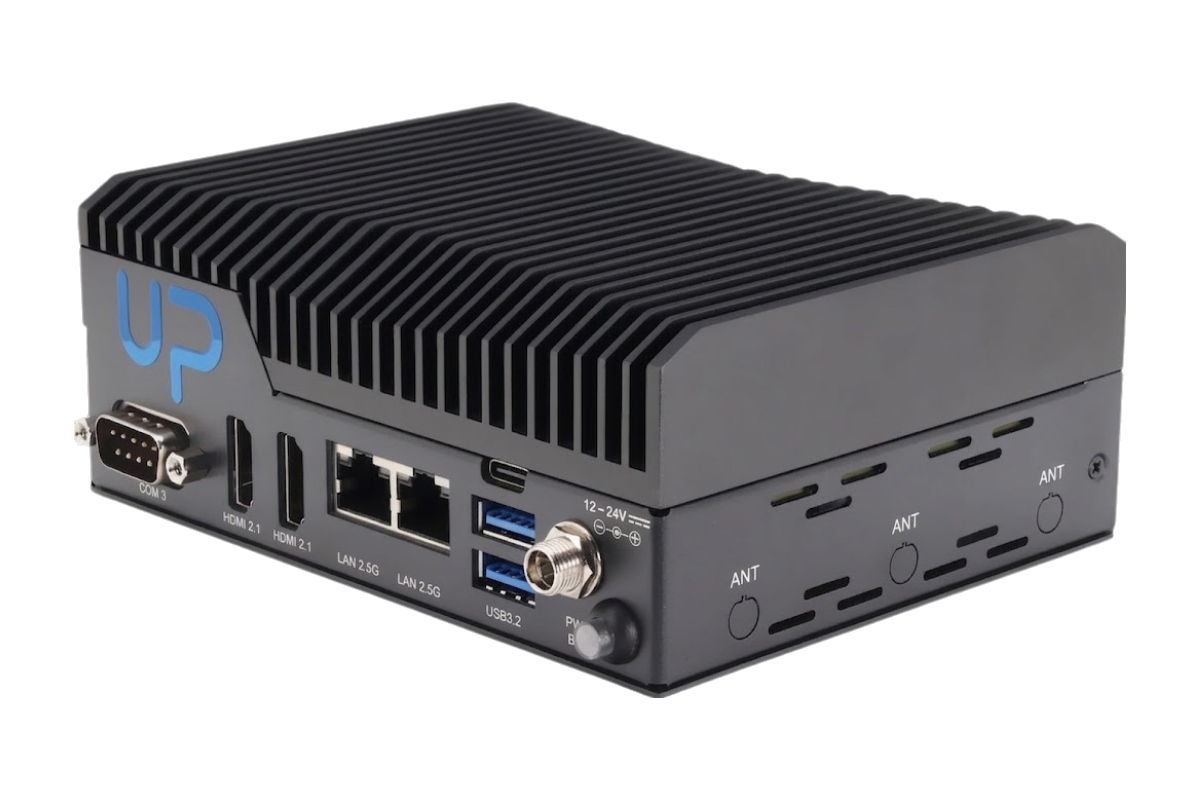
AAEON UP Nexus WCL Edge
Intel® Core™ Processors
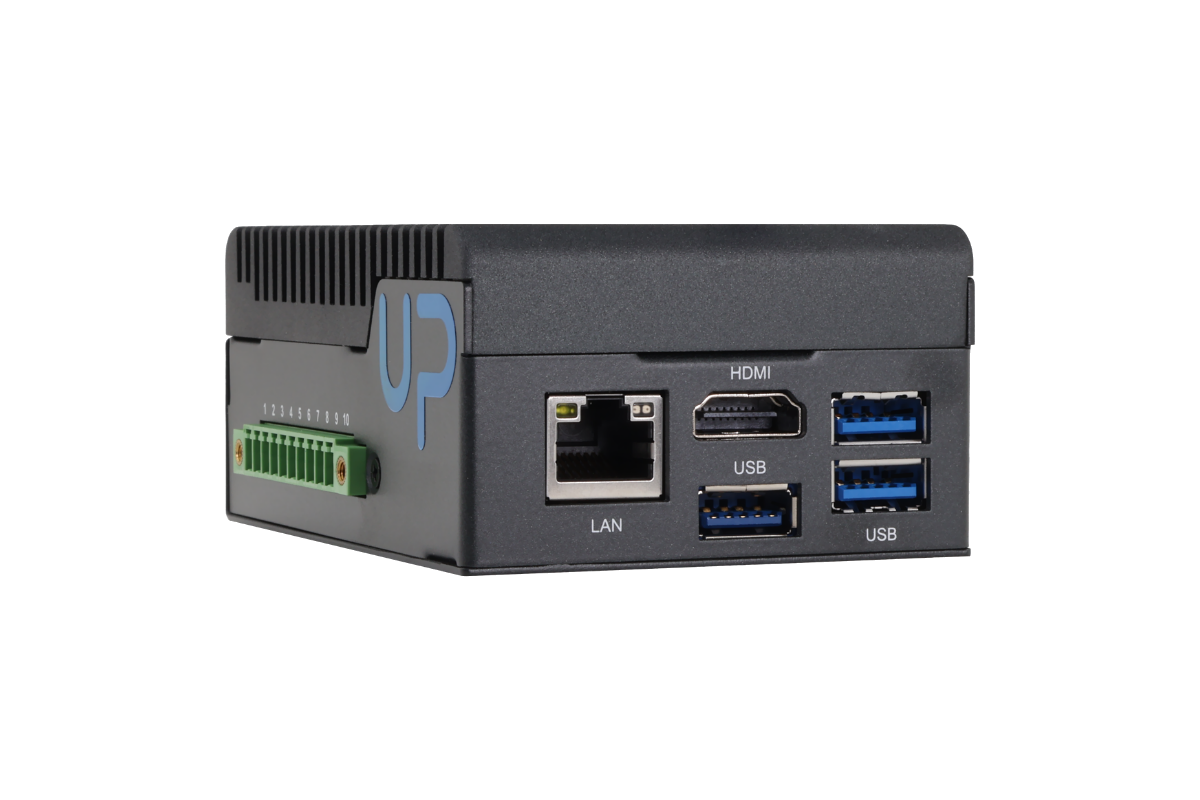
AAEON UP WCL Edge
Intel® Core™ Processors
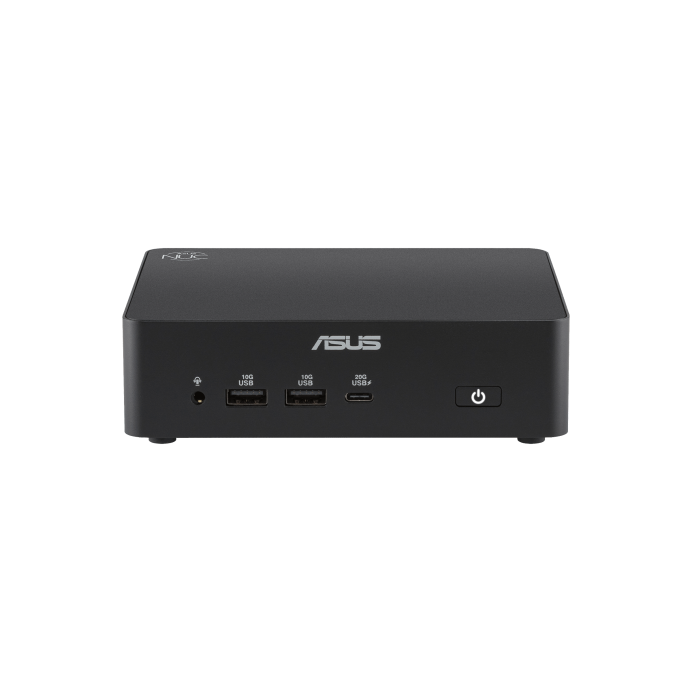
ASUS NUC 16
Intel® Core™ Ultra Processors
Intel® Core™ Processors
Supported Operating Systems#
The development kits are validated with the following operating systems:
Canonical Ubuntu
24.04 LTS (Noble Numbat)
64-bit Desktop
Canonical Ubuntu
22.04 LTS (Jammy Jellyfish)
64-bit Desktop
Supported Configurations#
Processor |
Operating system |
ROS 2 Version |
Compatible Blueprints |
|---|---|---|---|
Intel® Core™ Ultra Series 3 |
Canonical Ubuntu 24.04 LTS (Noble Numbat), 64-bit Desktop |
Jazzy Jalisco |
AMR, Stationary Arm, or Humanoid |
Intel® Core™ Series 3 |
Canonical Ubuntu 24.04 LTS (Noble Numbat), 64-bit Desktop |
Jazzy Jalisco |
|
Intel® Core™ Ultra Series 2 |
Canonical Ubuntu 24.04 LTS (Noble Numbat), 64-bit Desktop |
Jazzy Jalisco |
AMR, Stationary Arm, or Humanoid |
Use the Runtime guidance to configure the ROS 2 distribution for the selected system profile. Before installing a robot application, review its Blueprint for compatible hardware, sensor, firmware, and package requirements.